It's 4:45 PM on the last working day of the month. One signature stops you from closing your quarter's biggest deal. You upload the PDF, drag the signature box into place, and hit send.
Silence.
Is it stuck in a spam filter? Did they see it? Once they sign the document, where does it go?
For most teams, it ends up in a "Downloads" folder, with no connection to the CRM and invisible to the finance team.
This is how process silos quietly kill efficiency.
In 2026, the best electronic signature software does more than collect a scribble. It connects the entire contract lifecycle and keeps the work moving. "Signed" is just a part of the document workflow, not the end.
What is Electronic Signature Software?
Electronic signature software enables organizations to send, sign, and track documents online. It provides a legitimate digital filing system, and the signed documentation is legally binding in court, unlike physical paper trails.
Organizations can comply with international laws such as eIDAS (EU) and the ESIGN Act (US), and signed digital documentation may serve as legally valid evidence in court. These features are now defined in greater detail, including:
Identity Verification: Verifying the signer is a real person through biometric ID, SMS verification, or bank login activity to reduce fraud.
Workflow Automation: Automatically routing a document to multiple signers in sequence or parallel, and collecting electronic signatures.
Data Integration: Pulling contractual data from CRM systems such as Salesforce to prefill contract dates minimizes time spent on data entry and reduces manual entry problems.
The Hidden Costs of Standalone E-Signing Platforms
Usage-based billing can push you over budget in three significant areas when you choose standalone signing platforms:
The Envelope Tax
Vendors charge $2 to $4 per envelope. A simple HR policy update for 500 employees can quickly become a $2,000 bill.
The Add-On Wall
ID Verification, API access, auto-optimization of PDF size, and other essential features are locked behind the enterprise paywall.
The Integration Gap
Disconnected tools require manual data re-entry, resulting in substantial redundant work for your team each week. This soft cost can exceed the software's price, increasing the risk of compliance issues and data entry errors.
Where Free Electronic Signature Software Falls Short
Free document signing tools like BoldSign (10 signatures/month) and Jotform Sign (5 forms/month) have document limits and lack enterprise-level security. They provide basic, legally binding signatures under ESIGN and UETA, but fall short in four key areas:
Security and Compliance Shortcomings
Free tools rarely use tamper-evident technology or cryptographic sealing, leaving signed documents open to modification. They do not support eIDAS for EU transactions. Data is usually stored on shared cloud servers, and encryption rarely meets GDPR standards.
No Identity Verification
The free tier does not allow verified government ID or biometric verification. They mostly rely on email verification, which is vulnerable to phishing. This is also weak security for US contracts in finance or health and dental fields with high liability risk.
Integration and Workflow Inaccess
Free plans usually have no API access or only limited CRM integrations, forcing firms to transfer data points manually and creating gaps in the documentation audit chain. They lack bulk send features and almost always lack conditional routing, making them infeasible for onboarding or procurement at any scale.
Hidden Data Silos
Documents signed with a free tool become static PDFs that rarely enter analytics or renewal tracking databases and become dead files, invisible to BI tools. This directly contradicts our data-first ethos and the push for data analytics over static documentation.
A Deep Dive into Top Seven Electronic Signature Apps
Feature
Avokaado
DocuSign
Adobe Sign
PandaDoc
Dropbox Sign
SignNow
OneSpan
Primary Focus
Contract Intelligence
Market Standard
PDF Ecosystem
Sales Proposals
Developer API
Budget SMB
Bank Security
Data Architecture
Structured (aDoc)
Flat PDF
Flat PDF
Document
Flat PDF
Flat PDF
Flat PDF
Batch/Bulk Send
Yes (Native)
Yes (High Tier)
Yes (Mega Sign)
Yes
Yes
Yes
Yes
Unlimited Envelopes
Yes (Plan dependent)
No
No
No
No
No
No
Native E-Signature
Yes (eIDAS)
Yes
Yes
Yes
Yes
Yes
Yes
Free Trial
Demo Only
Yes
Yes
Yes
Yes
Yes
Demo Only
Identity Verification
Built-in Tiers
$1–5/check Add-on
Available
Basic
Basic
Basic
Bank-Grade
White-Labeling
Custom Workspaces
Enterprise Only
Enterprise Only
Business Plan
Limited
No
Enterprise
API Pricing
Included
$600–5,760/year
$600–5,760/year
$49/user/month
$75–250/month
$8/user/month
Custom
1. Avokaado: The Integrated Contract Intelligence Platform
Avokaado has a different design philosophy. It is not just an app for signing PDFs; it is an infrastructure that manages the entire document lifecycle. Avokaado builds contracts as structured data using the aDoc format instead of static files. This makes signing one step in a fully automated workflow. Avokaado’s data-first, contract intelligence approach solves the dead-file problem.
After signing, key information, such as renewal dates and payment terms, remains accessible and searchable. The Avokaado team believes teams in regulated industries such as BFSI and Telecom can achieve better visibility and audit readiness than with standalone tools like DocuSign.
Key Features and Capabilities
Avo AI with 5D Engine™: Avokaado’s proprietary AI agent quickly understands any contract’s purpose, applies the proper rules, and handles them consistently. Its Scorecard and Verification System tracks every action the agent takes and compares it to your rules and playbooks, so you can see how things are working and catch problems early.
Integrated E-Signature: Legally binding, eIDAS-compliant e-signatures are built in, so using Avokaado requires no additional license or integration. The platform automatically enforces signing authority rules to prevent junior staff from signing high-liability agreements.
Batch Signing: Sign up to 100 documents on a single confirmation screen. Supports PDF and ASiCE container formats for two automated workflow modes that execute when a stage of approval is completed.
aDoc Structured Document Format: Operates on three levels: Text & Structure, Context & Variables, and Data & Source. Supports AI-assisted drafting. Automatically suggests clauses and tags key terms.
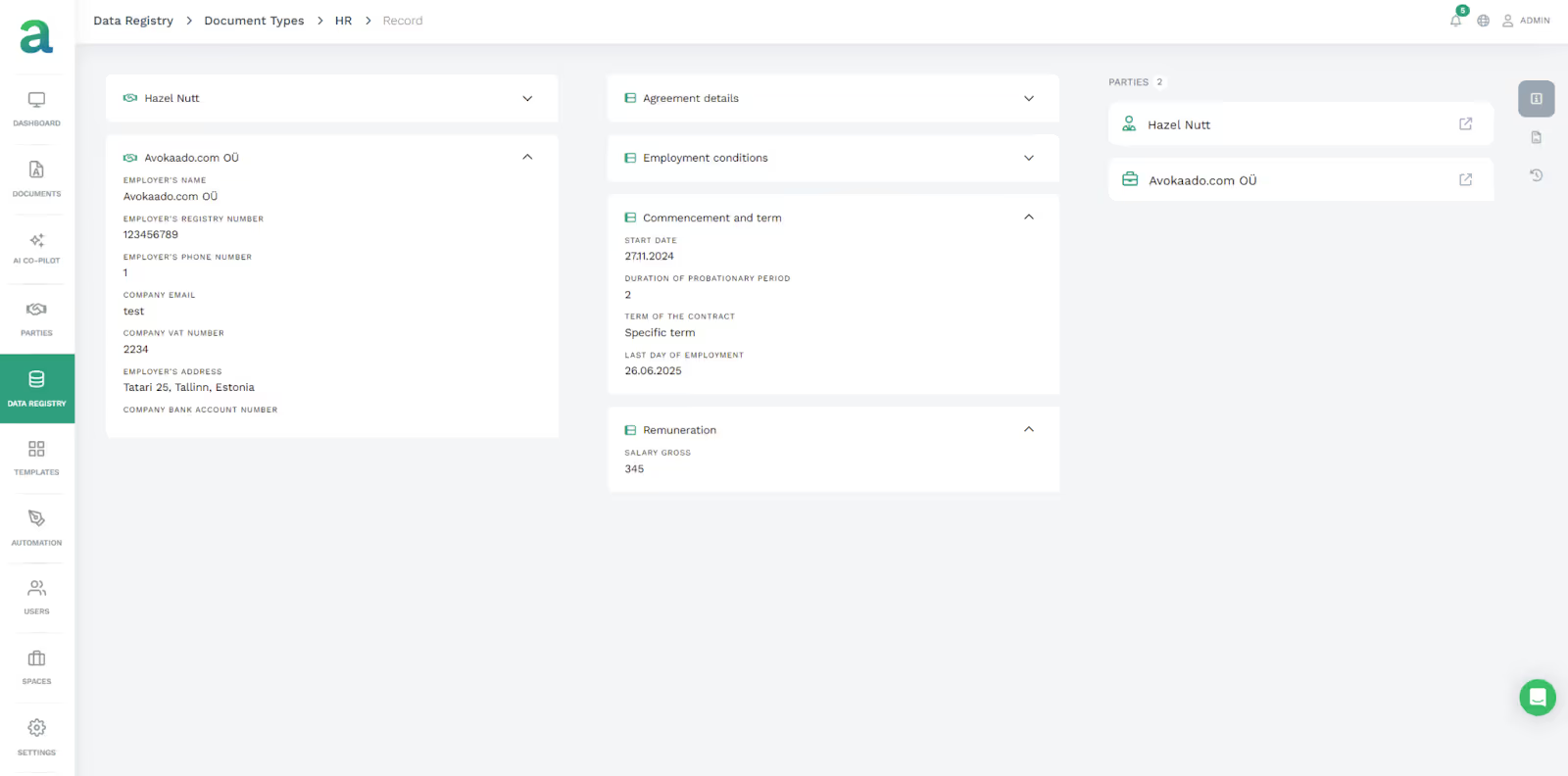
Smart Data Registry: A centralized data registry pulls information from multiple sources to populate contracts. Fields are auto-filled with approved, current values. Linked templates update automatically when changes are made.
Parties Management: The Party Registry holds centralized counterparty profiles, links contract history, and provides fast search and filter for established parties. Conditional logic alters documents in real time when a show/hide field or an AND/OR connector is used. All configuration is completed without writing code.
Contract Intelligence & AI: Automated identification of clauses and terms with smart field recognition. Contract data is searchable in seconds with options to filter by clause, term, party, or status. Contract analytics signals relationship patterns and renewal opportunities. AI identifies risky flags when contracts are drafted by detecting missing terms.
Governance: Manage template permissions, assign drafting responsibilities, and set approval rules for multi-partner or sequenced sign-offs. Receive alerts as key dates approach, enable detailed field-level access control, maintain comprehensive audit logs across governed workflows, and host data in an EU-compliant cloud that supports GDPR, eIDAS, and DORA requirements.
External Guest Access: Opposite parties can sign by clicking a secure link to access a collaborative workspace without creating an account. This makes signing smoother and reduces drop-off rates.
Pros
Cons
Eliminates a per-envelope fee, using a usage-based pricing model based on recurring business value, not per document.
Moving to structured data workflows rather than PDFs requires a change in mindset.
True data-first architecture avoids re-keying with live connections to your existing CRM, HRIS, or ERP systems.
There are fewer integrations than DocuSign's 400+ connectors, and API work may be needed for legacy systems.
The AI extracts relevant terms from your contracts, so no manual tagging is needed.
Requires connectivity for most features, unlike SignNow's offline mode.
Granular governance prevents unauthorized signatures on high-liability contracts.
Collaborate in real time and avoid sending and receiving unnecessary emails for version control.
Experts manage onboarding to guide you through configuration promptly.
Contract analytics turn signed contracts into reportable business intelligence.
Pricing
Avokaado uses a usage-based pricing model based on business process activity, not user count, making it scalable for teams. Pricing requires consultation, but there is no per-envelope model that shifts purchasing power to a third party or puts your process at risk. Enterprise accountants can include onboarding and expert consultation as part of the setup.
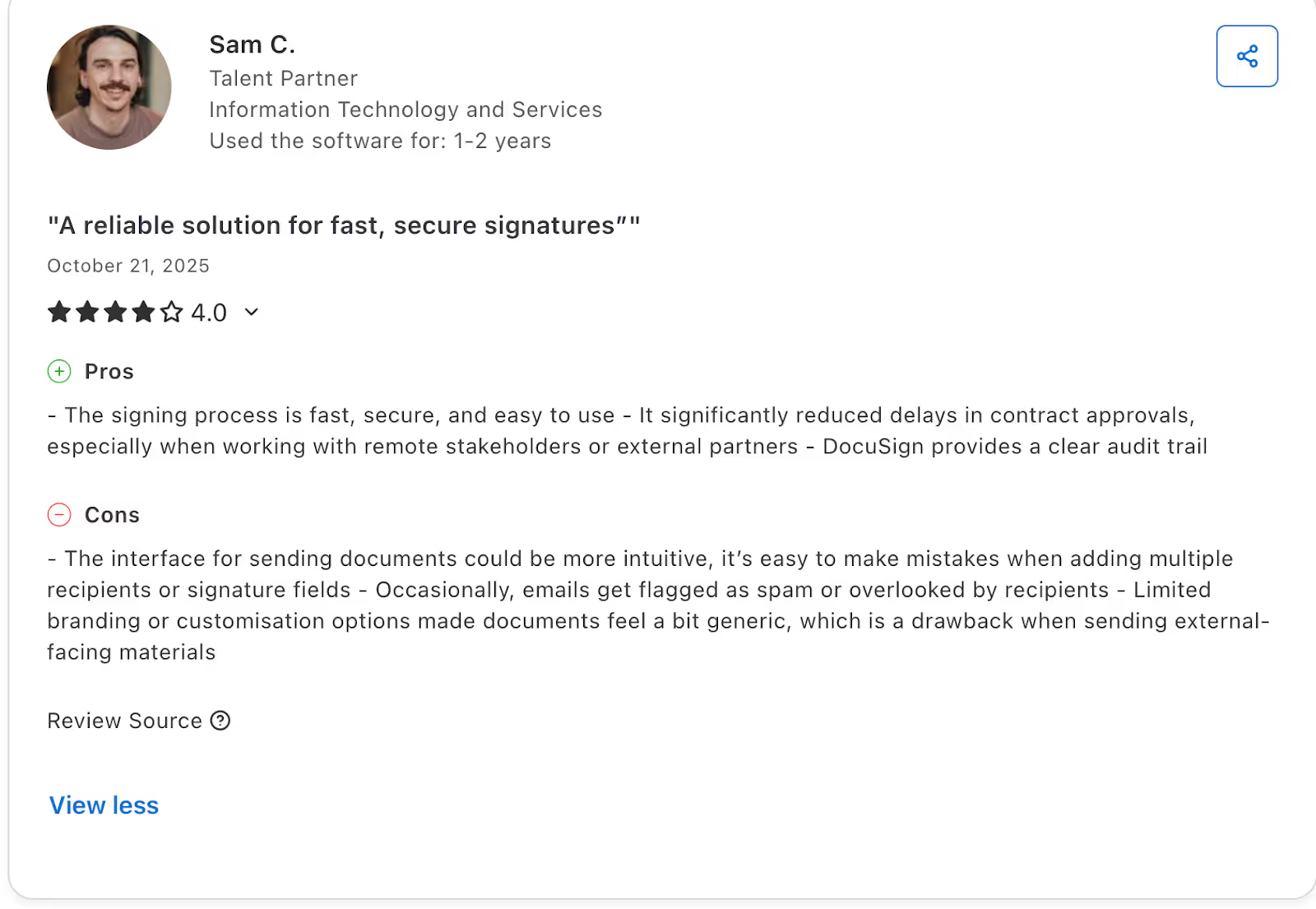
Reviews
Best For
Designed for regulated industries like Fintech, Telecom, and Insurance, and for scaleups managing over 100 contracts per month, this solution addresses legal complexity with legally binding electronic signatures and robust contract management. It helps legal teams move beyond document review to act as strategic business advisors by using contract data analytics.
2. DocuSign: The Standard for the Global Market
DocuSign has a large share of the e-signature market, with 60% to 80% in most areas. It is widely used by enterprises that need a well-known and trusted solution. DocuSign supports over 350 integrations and meets ISO 27001 and FedRAMP compliance standards.
Key Features
Global Compliance: DocuSign meets global compliance standards, including ISO 27001 and FedRAMP, and is suitable for Fortune 500 companies.
Identity Verification: DocuSign offers advanced identity verification options, such as bank login and government ID scanning, in DocuSign Identify, which verifies IDs in over 35 countries.
Robust Ecosystem: DocuSign integrates with most major ERP and CRM systems through pre-built integrations.
PowerForms: DocuSign creates self-service signing links for forms such as intake or waiver forms. However, the number of automated sends per user per month is limited to 10.
Pros
Cons
Widely trusted and easy to use for most people.
Extra fees apply for ID verification and SMS authentication, which can add 20 to 30 percent to your costs.
DocuSign is reliable and has high uptime.
Support response times can be slow for users on the standard plan.
Banks and legal teams use DocuSign in many countries.
Base plans limit the number of envelopes you can send.
Advanced features include PowerForm for self-service and bulk sending for larger teams.
The range of features can make it harder for new or occasional users to learn.
Pricing
The personal plan costs $120 per year and includes five envelopes per month.
The Standard plan is $300 per user per year for about 100 envelopes. Business Pro is $480 per user per year and adds bulk sending and payment features. API access starts at $600 per year for 40 envelopes per month, with Advanced API at $5,760 per year. ID verification authentication is available only in Enhanced Plans.
Reviews
Best For
Enterprises and Legal Departments that prioritize brand trust and global compliance certifications.
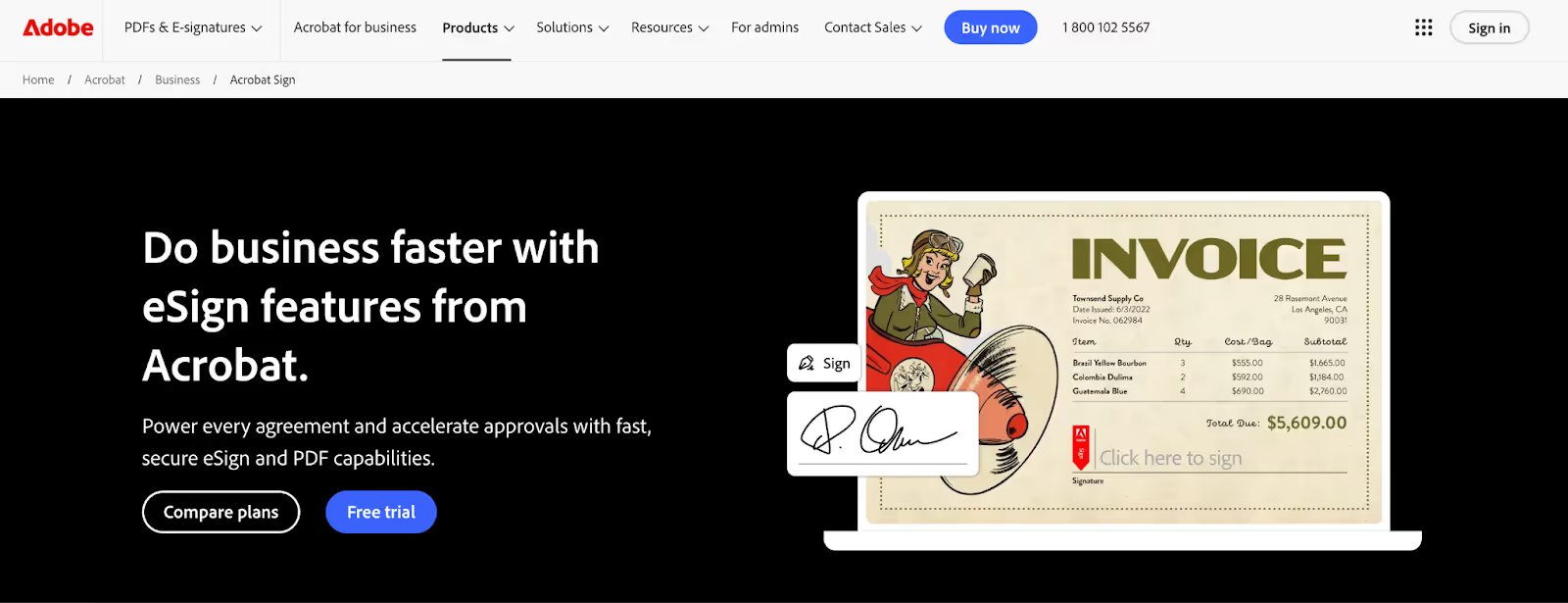
3. Adobe Acrobat Sign: The PDF Superpower
Adobe Acrobat Sign maximizes the advantages of the PDF format, making it a logical choice for organizations already using Adobe Creative Cloud or Acrobat Pro.
Users can modify a PDF and send it for signature without leaving the Adobe interface, creating a simple workflow for teams that work with PDFs. The platform connects well with Microsoft 365, Teams, and Outlook, often performing better than competitors, especially for organizations that rely on Microsoft products.
Key Features
Microsoft Integration: Integrated with Microsoft 365, Teams, and Outlook; users can send documents for signature directly from these applications.
Mega Sign: A bulk-sending feature that lets users send one form to thousands of people with one click, though transaction limits depend on the plan.
Visual Design: Tools to place signature fields exactly where needed; Adobe’s design pedigree makes the platform easy to use, especially for creative users.
Transaction Limits: Acrobat Pro users can self-sign unlimited documents, but participants usually can only send for signature up to 150 times per user per year, with higher tiers available through subscriptions.
Pros
Cons
Great for teams who rely on PDFs and Acrobat Pro.
The interface is less intuitive than those of many electronic signature apps on the market.
A better choice for Microsoft-centric IT environments.
Customer support is often noted as lacking in many reviews.
Focuses on leveraging Adobe’s expertise in document rendering.
Prices increase rapidly when adding e-sign to existing Adobe plans.
Mega Sign sends to thousands of recipients.
Transaction limits require payment for upgrades per user when sending to large teams.
Pricing
Acrobat Standard starts at $12.99/month, Acrobat Pro at $19.99/month, and Acrobat Pro for Teams at $23.99/month. Adobe Sign caps some plans at 150 transactions per user each year, with higher limits handled by enterprise negotiations.
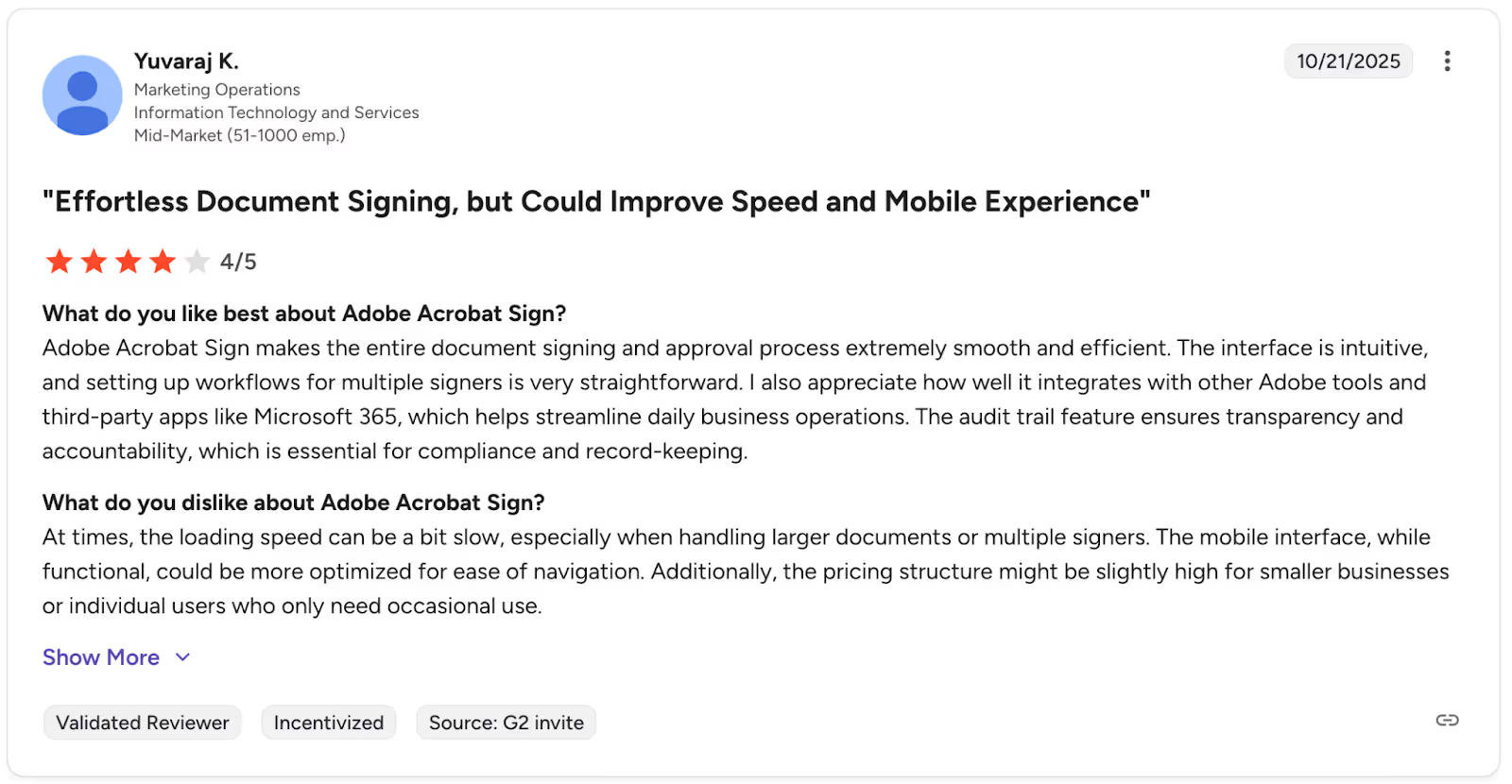
Reviews
Best for
Corporate IT and creative agencies that are already steeped in the Adobe or Microsoft ecosystem.
4. PandaDoc: A Leader in Sales Proposals
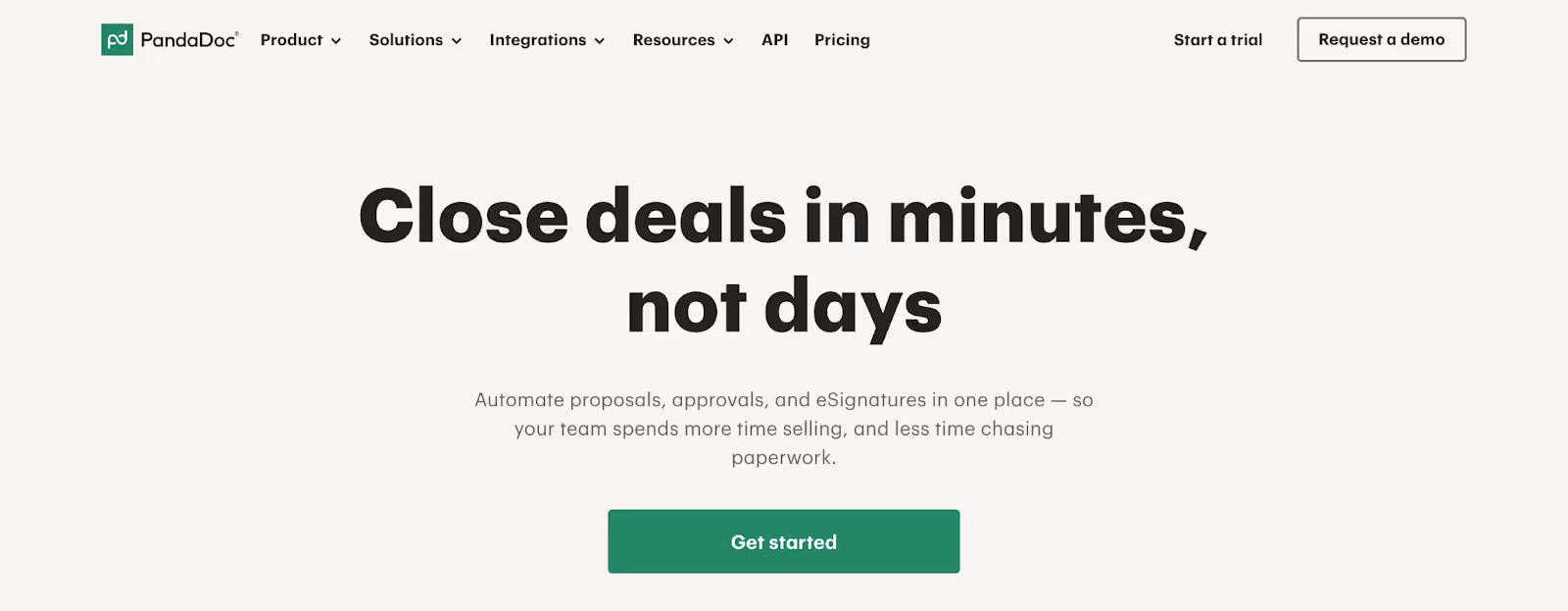
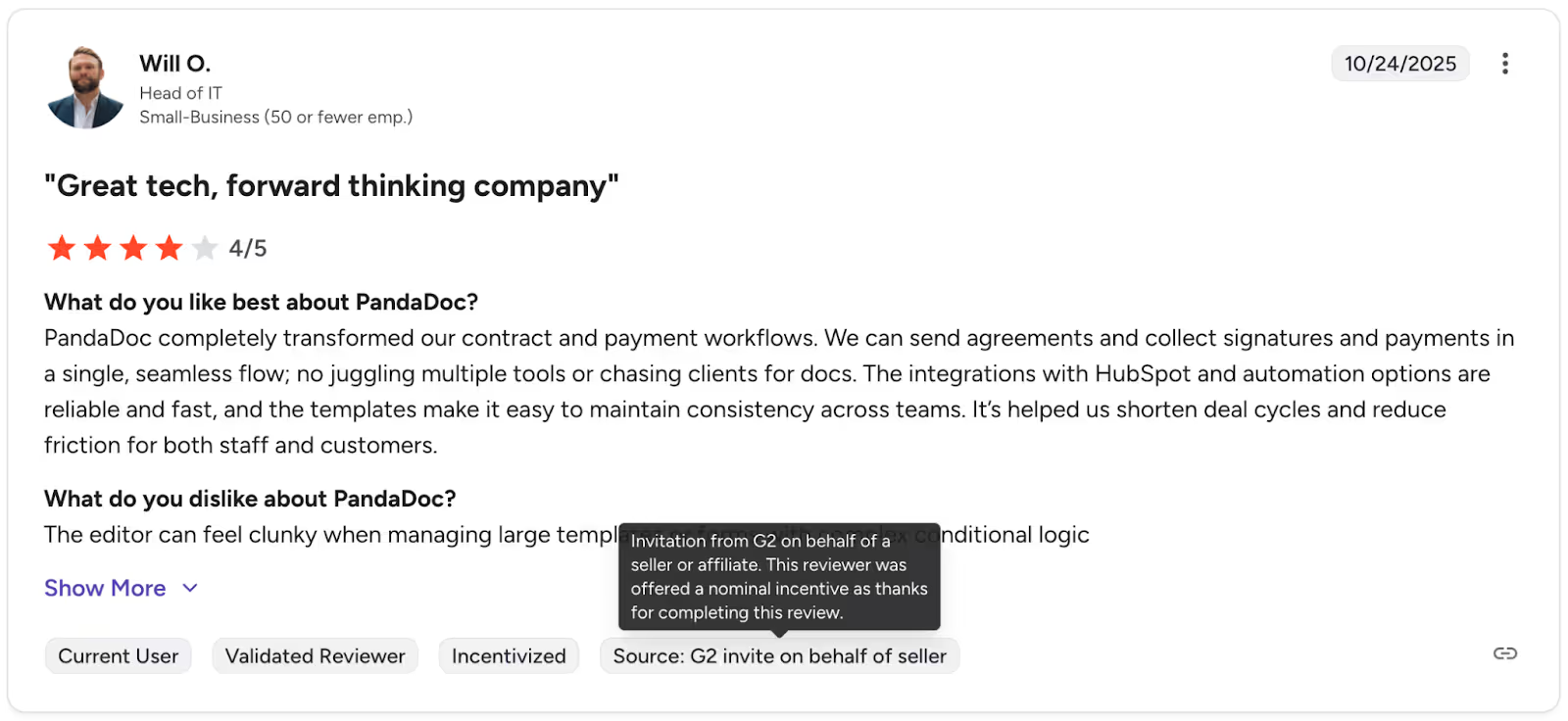
PandaDoc is designed for speed, merging e-signing with creation for quotes and sales proposals. The visual editor lets sales reps build web-like proposals that track how long a prospect engaged with each page. The CPQ functionality also lets clients select options in the document before signing.
Key Features
Visual Editor: Drag-and-drop interface to create media-rich proposals with embedded videos and images that capture more engagement from prospects.
CPQ Functionality: CPQ tables let clients specify quantities and select options within the document, which update pricing before signature.
Document Analytics: This tracks when a prospect opens a document, how long they spend on each page, and whether they download it. This helps create optimal proposals based on actual engagement.
Payment Collection: Collect credit card payments right after signing, improving cash flow for SaaS and services.
Pros
Cons
Create interactive proposals to close deals faster and track progress.
Lack deep redlining and compliance features for complex contracts.
Collect payment at the moment of signature.
CRM integrations significantly increase costs.
Provides more detail about prospect engagement.
Lower tiers do not allow reusable template creation.
Dynamic pricing tables automate quote creation.
Rich text features have a slightly longer learning curve.
Pricing
Essentials Plan is $19/month per user. The business plan starts at $49/month per user (billed annually) and includes CRM integrations, a content library, and customizable branding. The Enterprise plan offers custom pricing, SSO support, API functionality, and dedicated support.
Reviews
Best For
Sales Teams who want to combine proposals, quotes, and signatures into one trackable buyer journey.
5. Dropbox Sign: Great for Developers
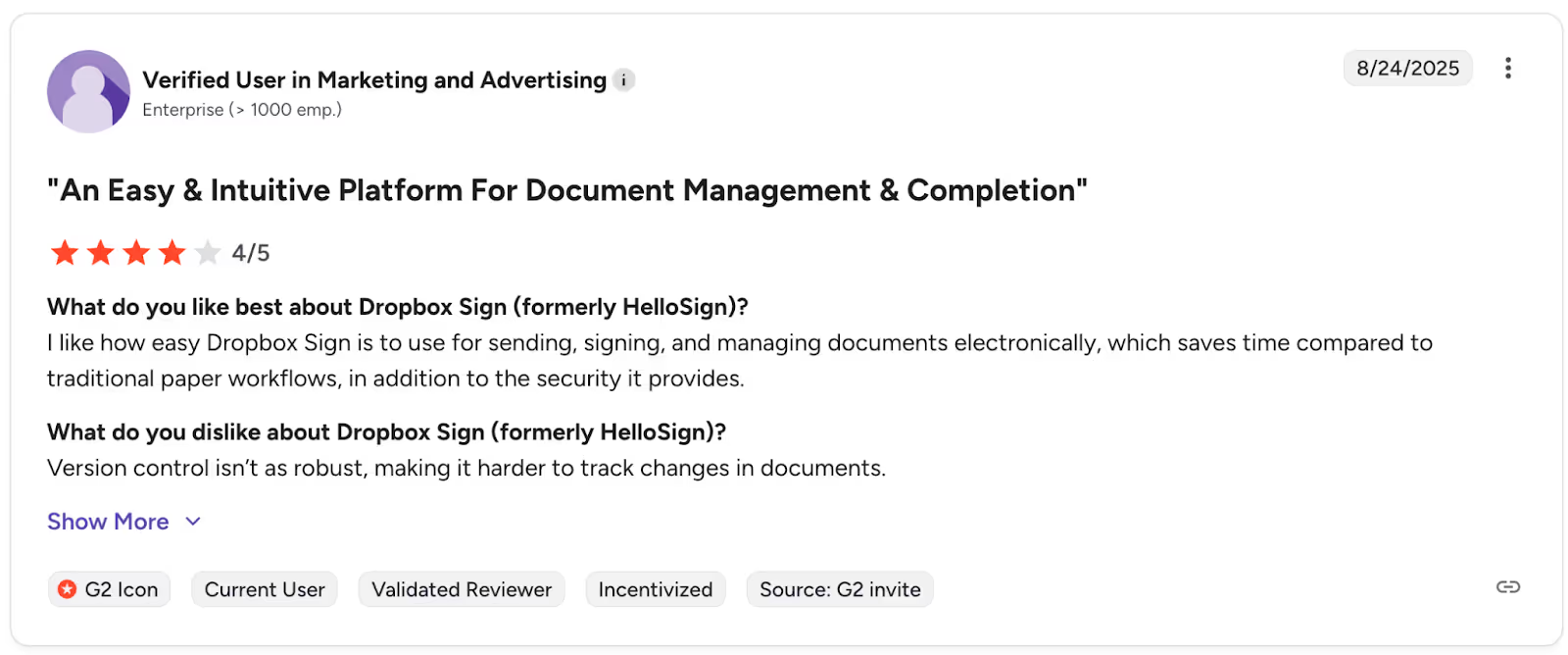
Formerly called HelloSign, Dropbox Sign is a developer-first API focused on simplicity. It removes enterprise bloat for a fast, lightweight signing experience that integrates natively with familiar cloud storage. Feedback shows it is the easiest API to integrate into your apps or websites, with solid docs and an SDK in six programming languages.
Key Features
API First: Developers can use Test Mode for free and indefinitely, with non-binding documents that include a watermark. The API dashboard provides built-in, real-time usage metrics and error reporting.
Automatic Dropbox Sync: Saves signed documents directly to your configured Dropbox folders, so you do not need to save or download them after signing.
Audit Trail: Each document has a clean, court-admissible audit log to verify the signature and meet non-repudiation requirements.
Pricing and Plans: Pricing tiers are based on the number of signature requests, ranging from $75/month for 50 requests to $250/month for 100 requests, plus enterprise pricing for custom plans.
Pros
Cons
Simple interface that does not require training.
No advanced workflow routing, which is primarily reserved for their enterprise product.
The API docs are excellent, and test mode is useful for developers.
You primarily upload PDFs, not create documents in the app.
Works well with Dropbox for hassle-free signing.
Account tiers of 50 to 100 API requests can limit growth until you upgrade.
You know exactly what you're getting into and what it costs, no surprises.
Support as a developer is standard until it is elevated by making more money each month.
Pricing
Starts at $15/month for individuals and $25/month for small businesses (minimum two users). There is a large gap between the $75/month API Essentials plan with 50 signature requests and the $250/month API Essentials Standard plan, which includes 15 templates and bulk sends.
Reviews
Best For
Small to mid-sized businesses and developers who need a reliable, low-friction signing experience without the enterprise price.
6. SignNow: The Budget-Friendly Choice
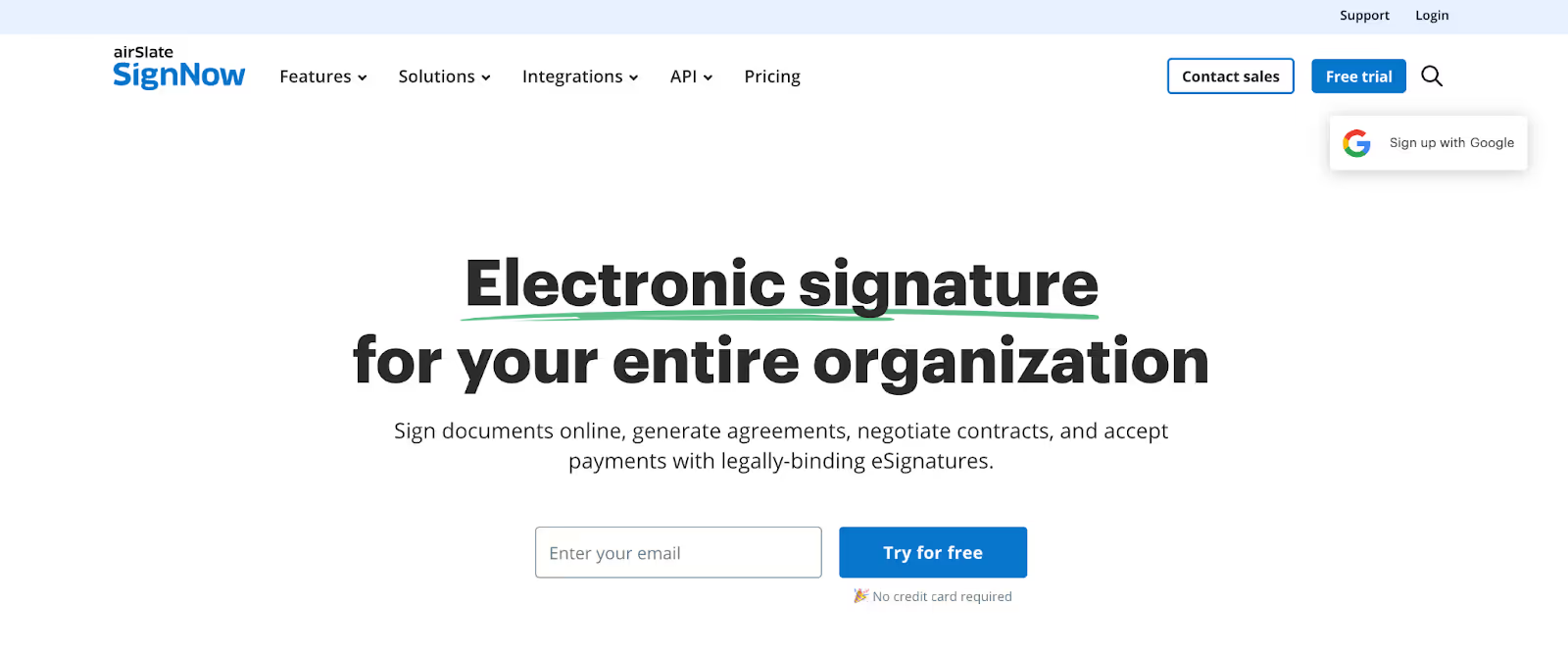
SignNow competes on price but remains feature-rich. They offer mobile apps, payments, and bulk send at much lower tiers than larger competitors, making them an excellent value for teams needing features without a high price tag. It is built mobile-first and includes offline signing, which is great for field teams.
Key Features
Mobile App: High-quality iOS and Android apps let users sign offline and automatically sync documents when reconnected. This aids the sales process and helps stakeholders work without workflow interruptions.
Kiosk Mode: Turns a tablet into a signing station for in-person events, clinics, or retail locations. Users can collect multiple signatures in sequence on one form. Kiosk mode includes a welcome message and automatically archives signed documents.
Payments: Request payments with signatures so you can be paid immediately after signing for services, registration, or product orders.
Bulk Send: Send to multiple recipients at once, though some advanced features are available only in higher tiers.
Pros
Cons
Offers enterprise capabilities at a fraction of the cost of competitor products.
Slower customer support, and even then, chat is the only option.
One of the top mobile experiences features the offline document signing process.
UI feels very dated compared to competitors, including PandaDoc and Dropbox.
The Kiosk mode is convenient for collecting in-person digital signatures.
Easier to use, but fewer advanced analytics and CPQ capabilities are missing.
Fully functional without connectivity with sync capabilities when back online.
Fewer CRM connections in native integrations than the market leader.
Pricing
Pricing starts at $8 per user per month, which is competitive for small businesses. Core features like templates and mobile apps are included at the entry tier. Higher tiers offer advanced authentication and white label options.
Reviews
Best suited for
Small businesses and field-based teams that need mobile signing and essential features without overpaying.
7. OneSpan Sign: The Security-First Enterprise Option
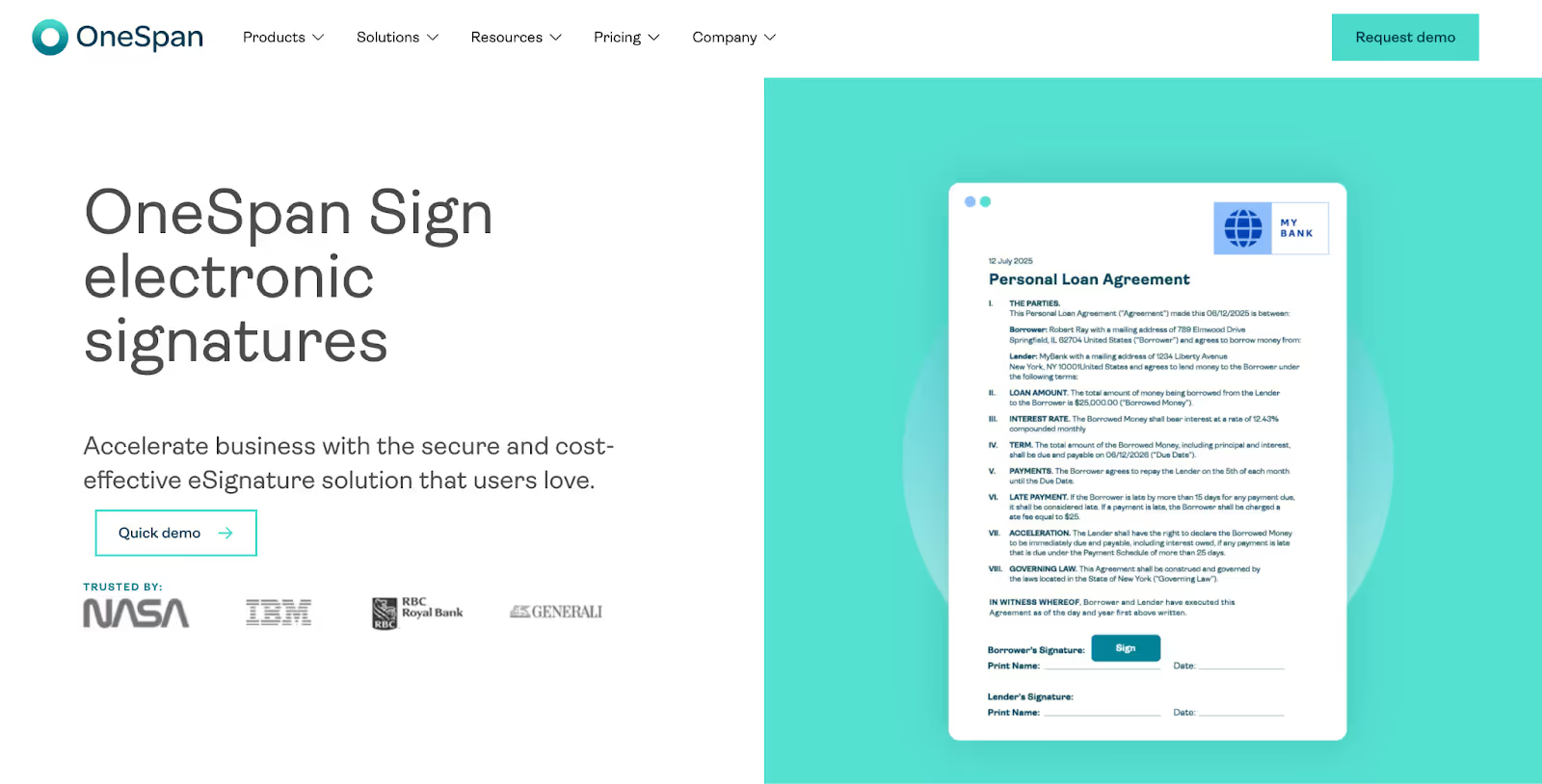
OneSpan Sign (previously eSignLive) is the provider of choice for high-security industries, serving banks, insurers, and large government agencies. Its key feature is white-labeling, letting brands hide the vendor name so customers believe the signing experience comes from the bank or insurer. The product can be deployed in the cloud or on-premises to meet data sovereignty requirements.
Key Features
White-labeling: Remove vendor branding to provide a seamless customer experience and reinforce trust in regulated industries. Enterprises can fully customize at no extra cost with an enterprise plan.
Identity verification: Bank-grade authentication, including government ID checks, video signing, and remote online notarization (RON) for strong authentication.
Audit trails: Embeds the audit trail in the PDF so evidence stays with the file and does not need separate verification.
Deployment options: On-premises deployment for organizations that need complete control over their data and compliance with local regulations.
Pros
Cons
Trusted by the most security-conscious organizations.
Setup and administration can be complex for novice customers.
Cloud and on-premise options for data sovereignty.
Pricing might not be visible, and a sales engagement is required.
Meets the security standards of banks and governments.
Fewer pre-built integrations than DocuSign or Adobe.
Enterprise feature provided at no additional cost.
Not as well-known among SMBs as other electronic signing apps.
Pricing
The professional plan costs $22 per user per month, billed annually, with unlimited templates and the most advanced fields. The enterprise plan is priced by user or transaction volume and can include embedded signing, advanced workflows, and real-time reporting. Add-ons for advanced authentication and bulk sending are billed separately.
Reviews
Best For
Banks, insurance, and government entities need white-labeled, bank-grade security.
Conclusion
Choosing electronic signature software depends on your business needs. If you want the market standard and price is less important, DocuSign remains a solid option. Sales teams aiming to close deals with style should consider PandaDoc or GetAccept.
If you need bank-level security, process confidence, and white-labeling, OneSpan is the leader. If you want to eliminate the management of dead files and the burden of contract documents, Avokaado is the answer.
Avokaado is the only platform here offering legally binding e-signatures powered by a Data-First architecture. You can easily sign documents online in batch mode, automate compliance checks, and instantly query signed contracts for essential data, saving your company time and reducing risk.
Is it finally time for you to go from simple signing to intelligent contracting? Book a demo with Avokaado and see for yourself.
Get back in control
See how Avokaado replaces chaos with clarity by automating manual work, cutting delays, and giving you full visibility across every document.